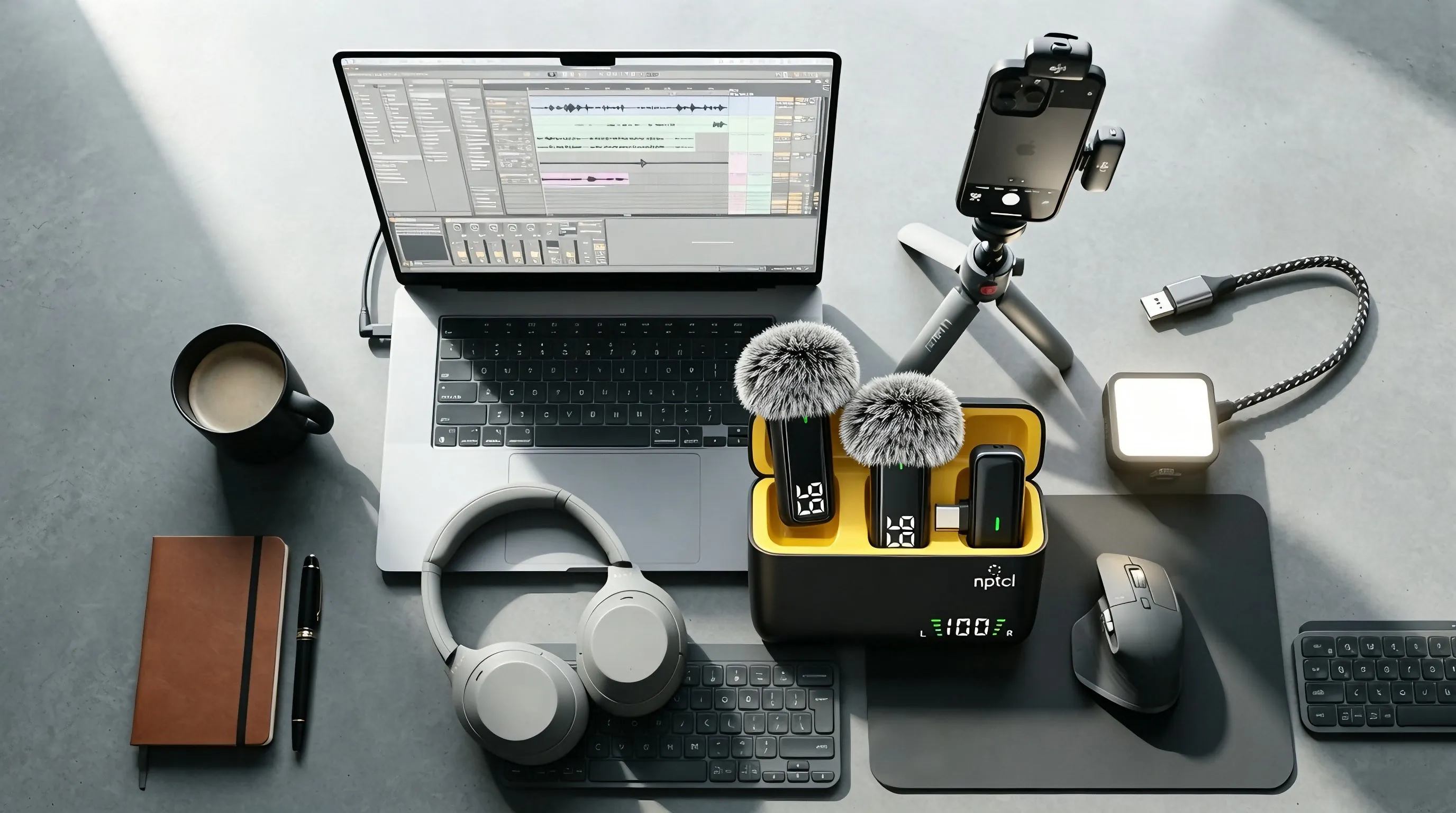
The USB studio microphone is recognised as a standard audio input the moment you plug it in.
- Connect the mic to a USB-C port on your Mac, PC or tablet.
- Open your recording or streaming app and choose NPTCL USB Mic as the input.
- Set the input level and start your session.
No drivers are required on any major operating system.